
No source video uploads
Video decoding, candidate detection, clip review, and export all run in the browser on your current device.
Local-first basketball video editor
Import a shooting video and calibrate the hoop. HoopCut handles analysis, candidate review, and MP4 export in your browser—without uploading the source video.
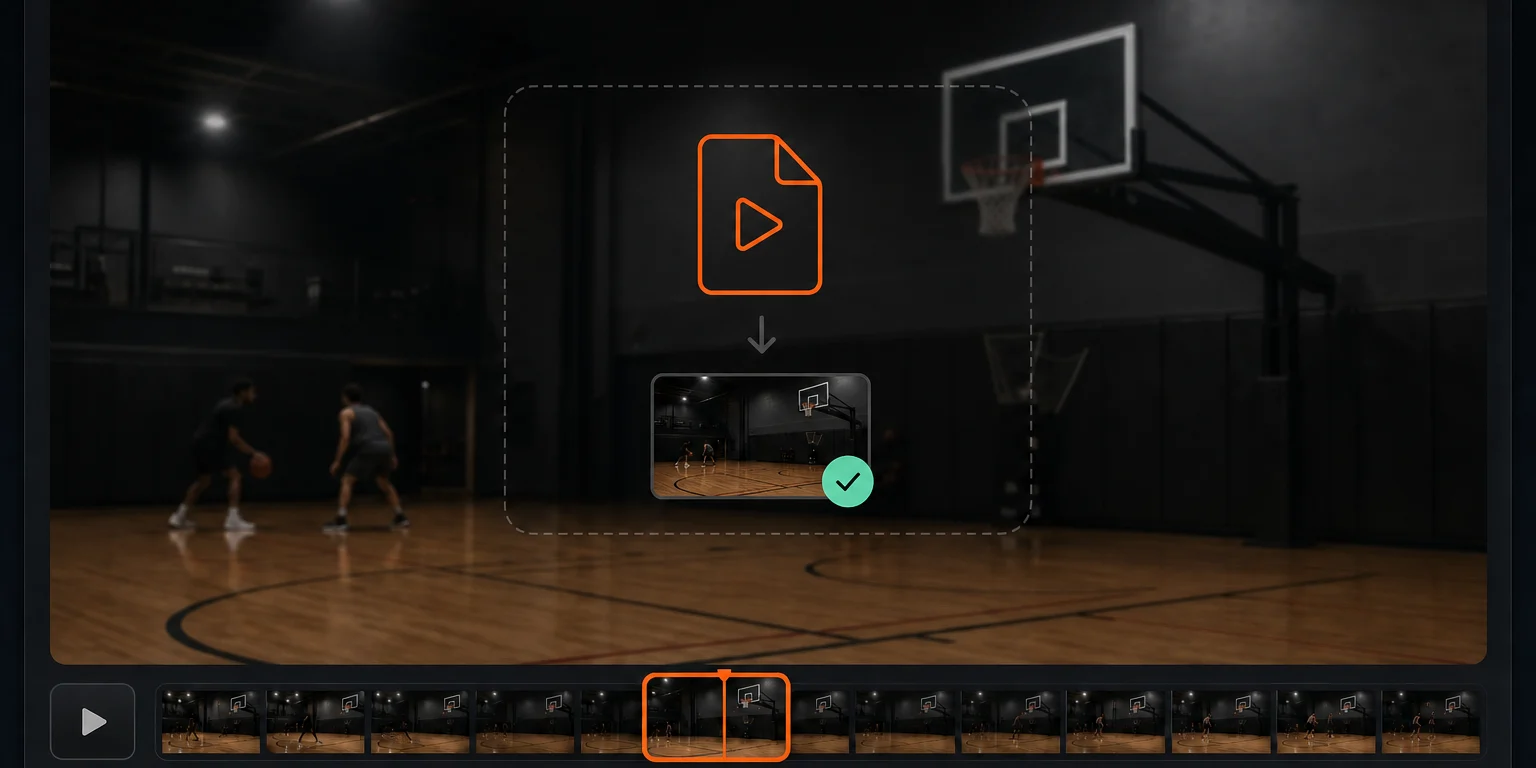
Supports MP4, MOV, and WebM. The file is read only on this device.
Auto-playing · Select any step to explore
Basketball highlight maker
HoopCut is built for shooting practice, gym recordings, and personal basketball videos, reducing the time spent searching manually for made shots.
Video decoding, candidate detection, clip review, and export all run in the browser on your current device.
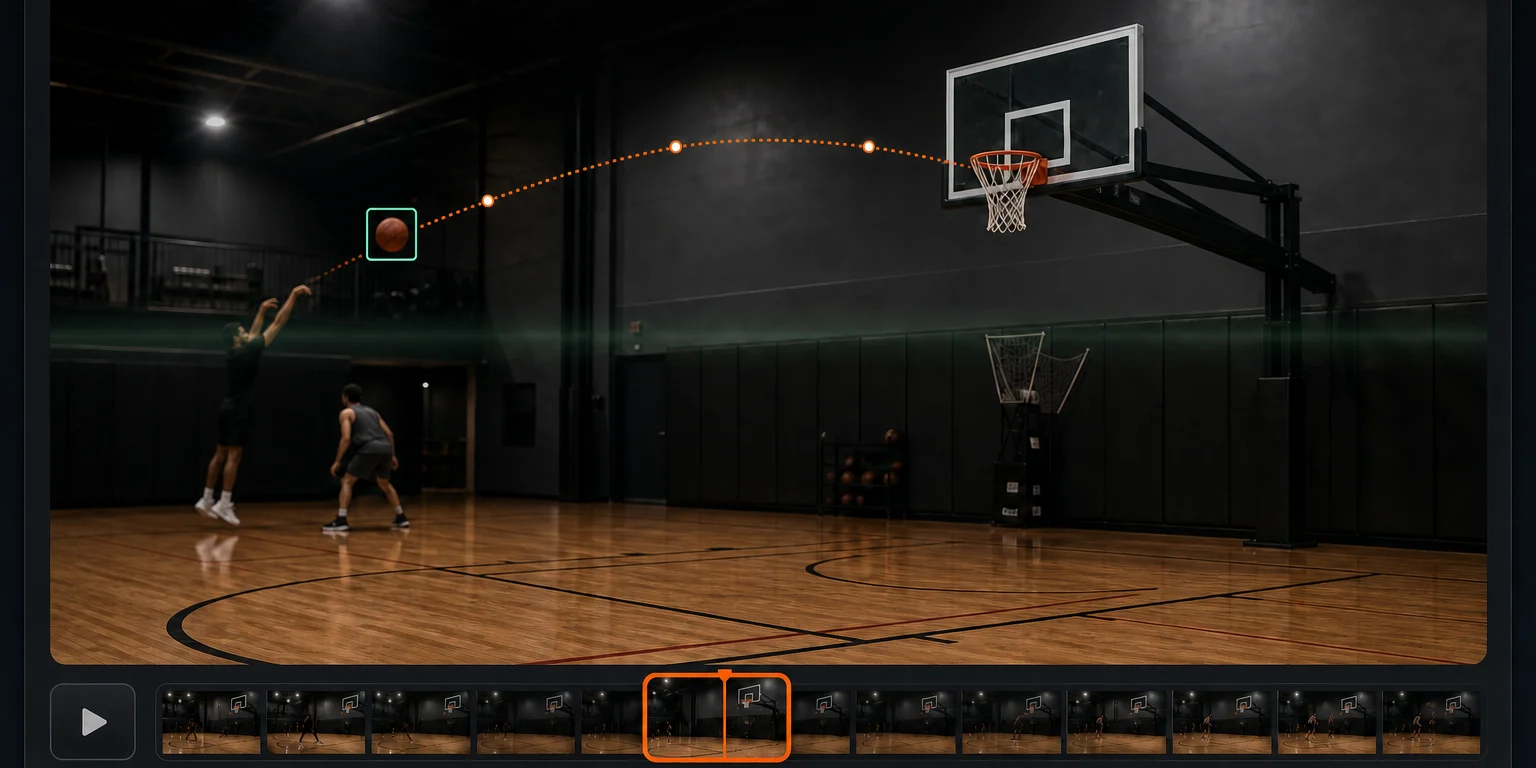
After you calibrate the hoop, the tool tracks ball movement and collects possible makes, reducing manual timeline scrubbing.
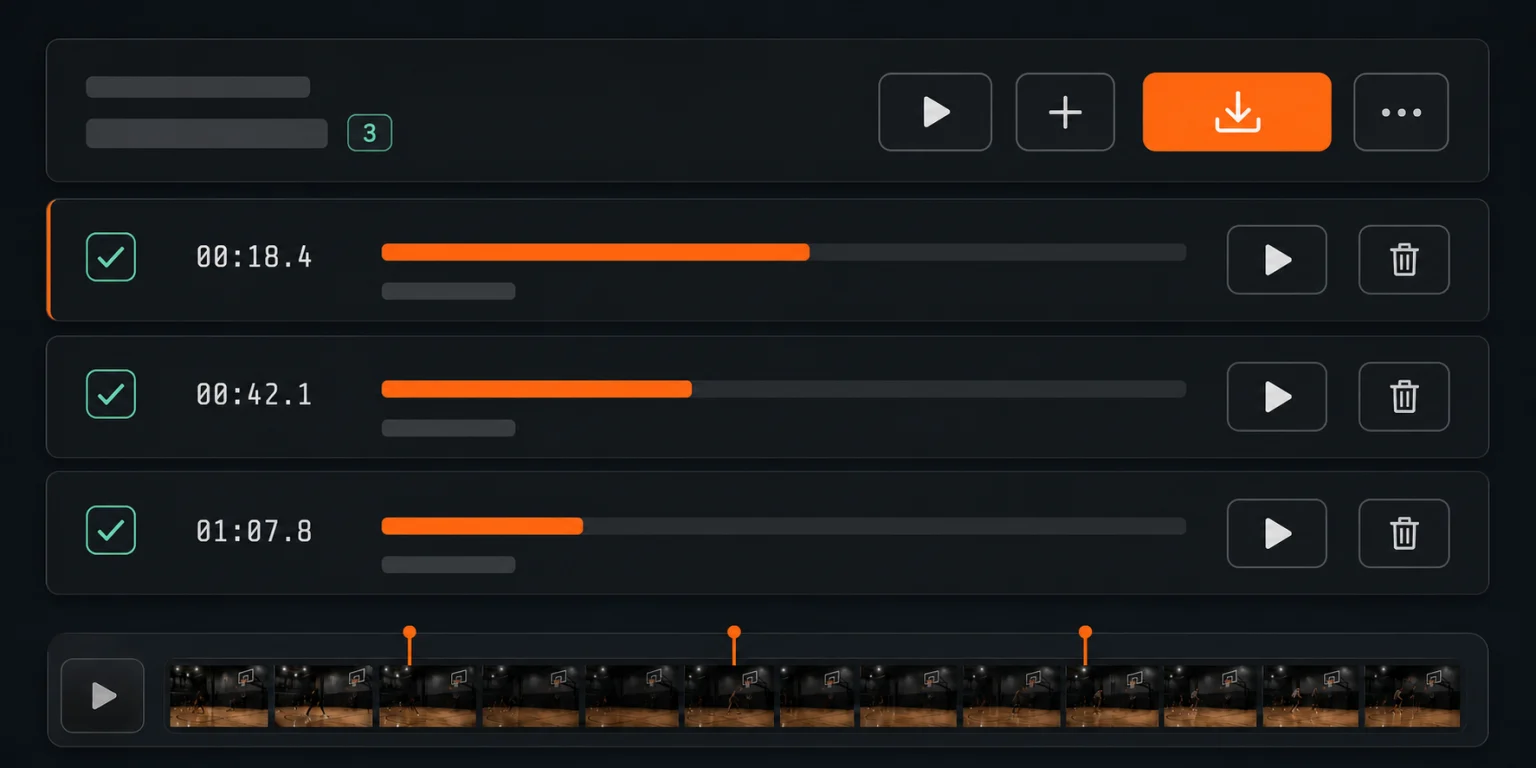
Keep or exclude each candidate, then choose the resolution, frame rate, and codec for your highlight reel.
Tag each scorer during review, then export a separate highlight reel for every player—useful for practice review and team footage.
How it works
No traditional editing software is required. Start with a shooting video where the camera is relatively stable and the hoop is clearly visible.
Start creating nowChoose an MP4, MOV, or WebM file that your browser can play.
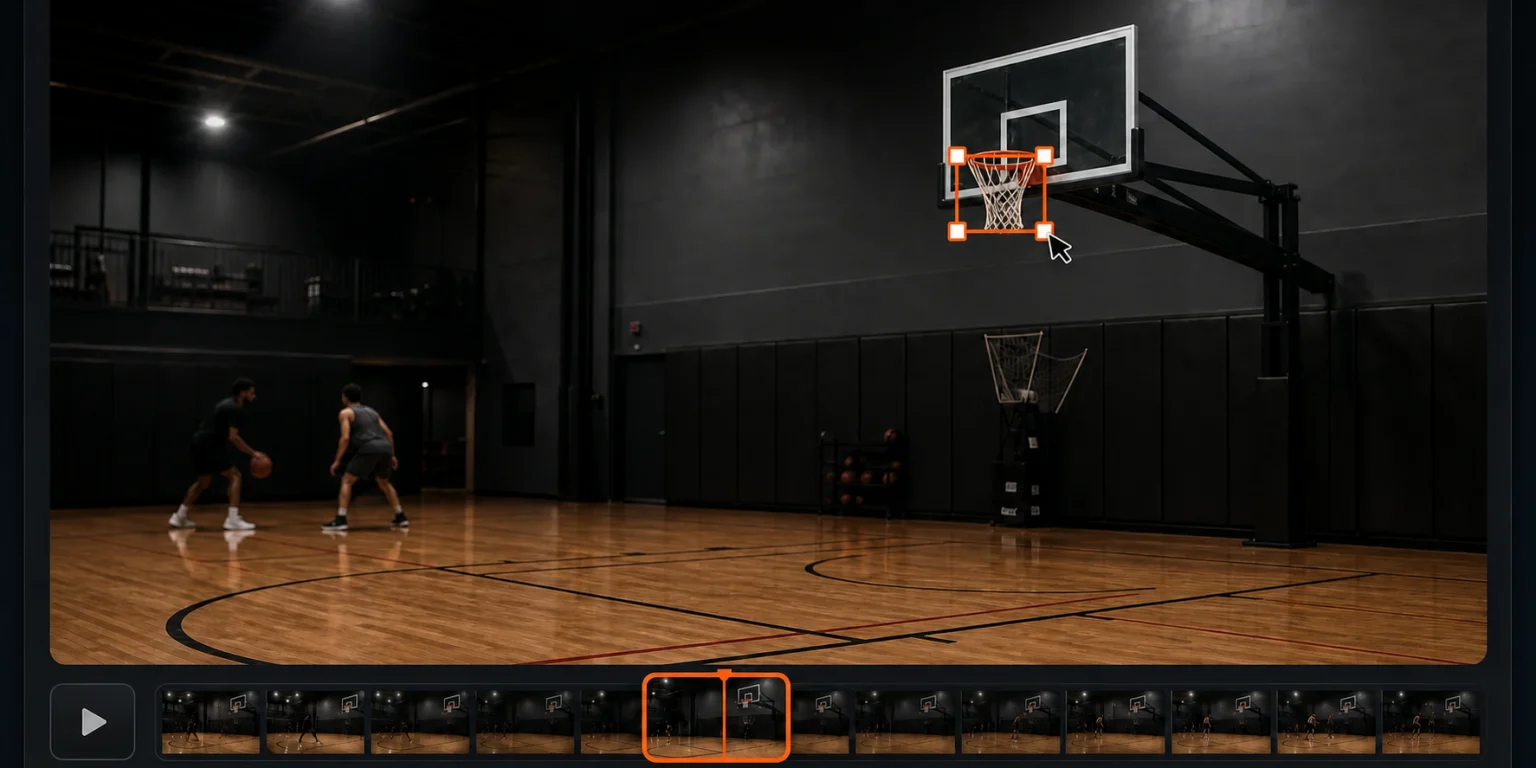
Pause on a clear frame and drag a line from left to right along the metal rim.
Wait for local analysis to finish, then check the collected candidate makes.
Confirm the clips you want and export an MP4 basketball highlight reel.
Privacy by design
The browser reads your local file, and analysis, tracking, and export all happen on this device. HoopCut does not retain your source video after you close the page.
Frequently asked questions
Learn about supported formats, local processing, and how to review detection results.
No. The browser reads your local file, and the source video, analysis, and export all stay on your current device.
HoopCut supports MP4, MOV, and WebM files that your browser can play. There is no fixed resolution or frame-rate requirement; a clear rim and relatively stable camera usually help more.
Not always. Long distance, high speed, occlusion, or major camera movement can affect results. Review every candidate and exclude false detections before exporting.
The hoop position helps narrow the analysis area and evaluate the ball path. After major camera movement, the tool may pause and ask you to recalibrate.
You can use a phone with the required browser capabilities, but long-video analysis and export require significant processing power and battery. Desktop Chrome or Edge is usually more stable.
Ready to cut
No sign-up and no source video upload. Open the editor and choose a local video to begin.